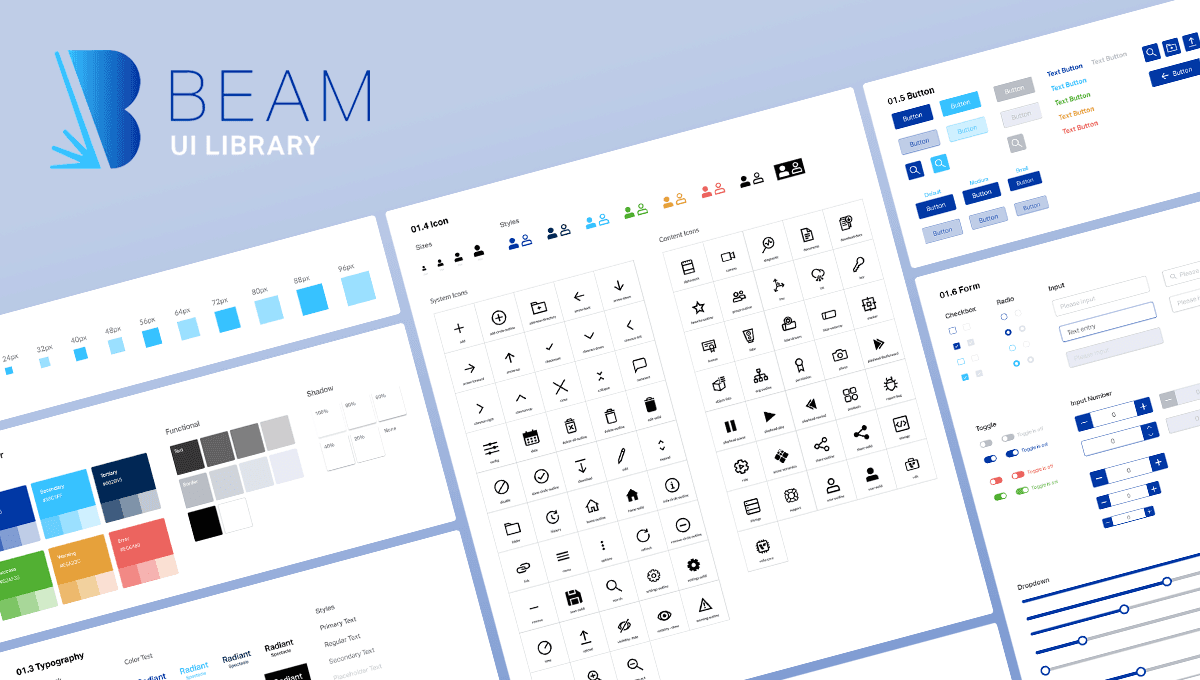
Beam UI Library
Building a Cross-Platform Design Foundation from Scratch
Velodyne Lidar
UI/UX Design Lead
90% product coverage, 4 platforms unified, Sole UX lead
Velodyne Lidar was a Silicon Valley-based lidar technology company providing sensors for use in autonomous vehicles, advanced driver-assistance systems, mapping, robotics, infrastructure, and smart city applications.
Velodyne was acquired in early 2023.
The Challenge
Velodyne was a hardware-first company with a software ecosystem to match; fragmented interfaces, command-line workflows, and ad-hoc UIs that had grown alongside the hardware with no shared foundation. With an expanding software product lineup and no scalable design infrastructure, the business risk was clear: every new product would compound the inconsistency. As the only UX designer, these observations signaled the product ecosystem was very inconsistent and presented a core usability problem.
Building for Real Constraints
Cross-platform from day one. The library had to work across web, desktop, mobile, and native C++ runtime applications, each with its own technical constraints. C++ in particular offered a constrained default UI element set with limited styling flexibility. Rather than treating it as an edge case, I designed Beam around it, ensuring components translated faithfully across every environment without platform-specific fragmentation.
Infrastructure, not just design. Establishing Beam as the organization's source of truth meant every decision carried downstream consequences. Working directly with a single developer, I designed with implementation realities in mind, and kept the library maintainable by a lean team while building in the flexibility to grow.
The Solution
Beam unified Velodyne's entire software ecosystem under a single, scalable component foundation. The transformation was significant, with the dense, visually inconsistent internal tools replaced with cohesive, brand-aligned experiences that reduced cognitive load across everyday workflows. The library was architected to handle Velodyne's full range of UI needs, from desktop-heavy configuration interfaces to focused mobile experiences, without fracturing into separate systems.
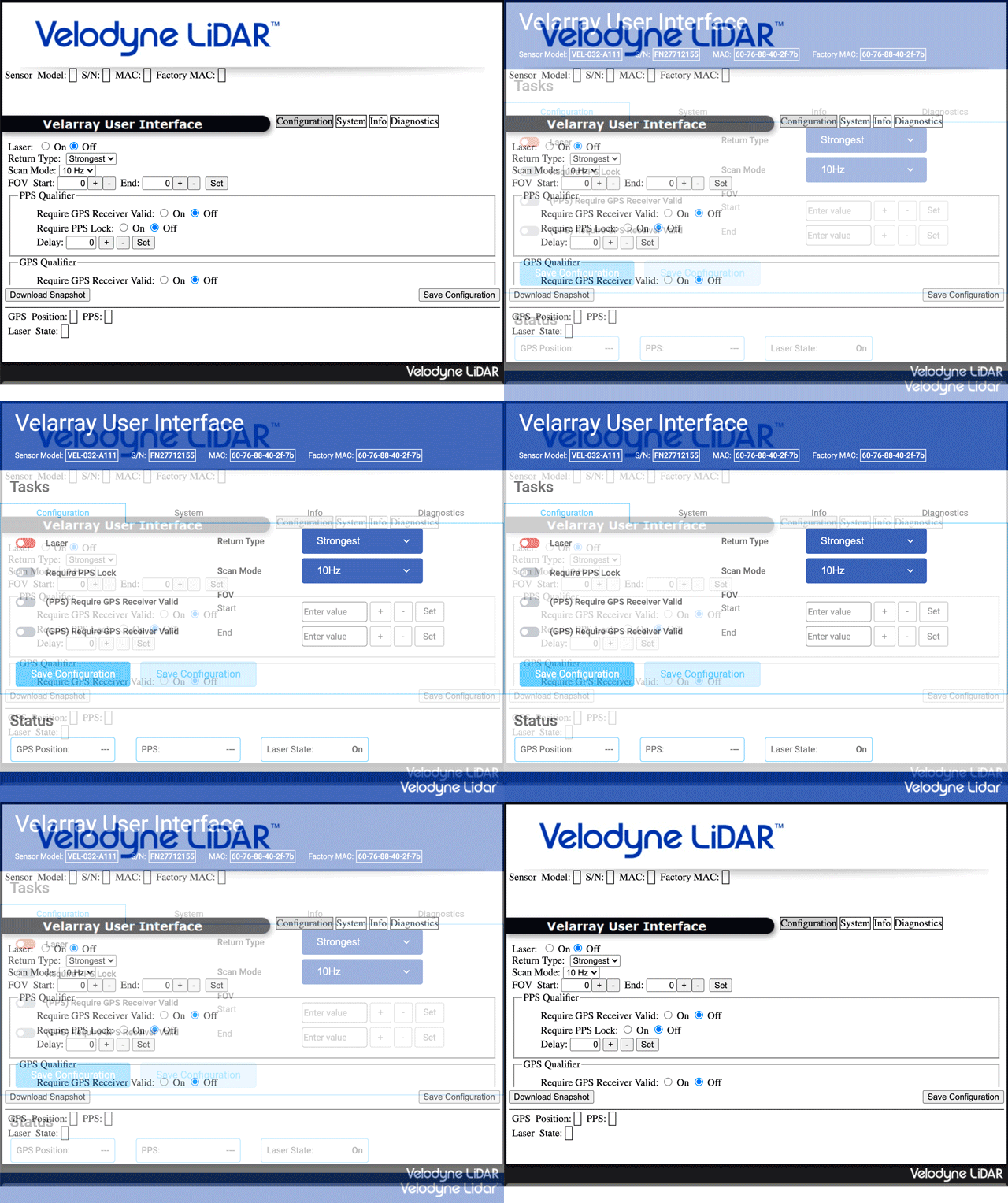
An A/B comparison of an internal configuration tool before Beam UI treatment, and after.
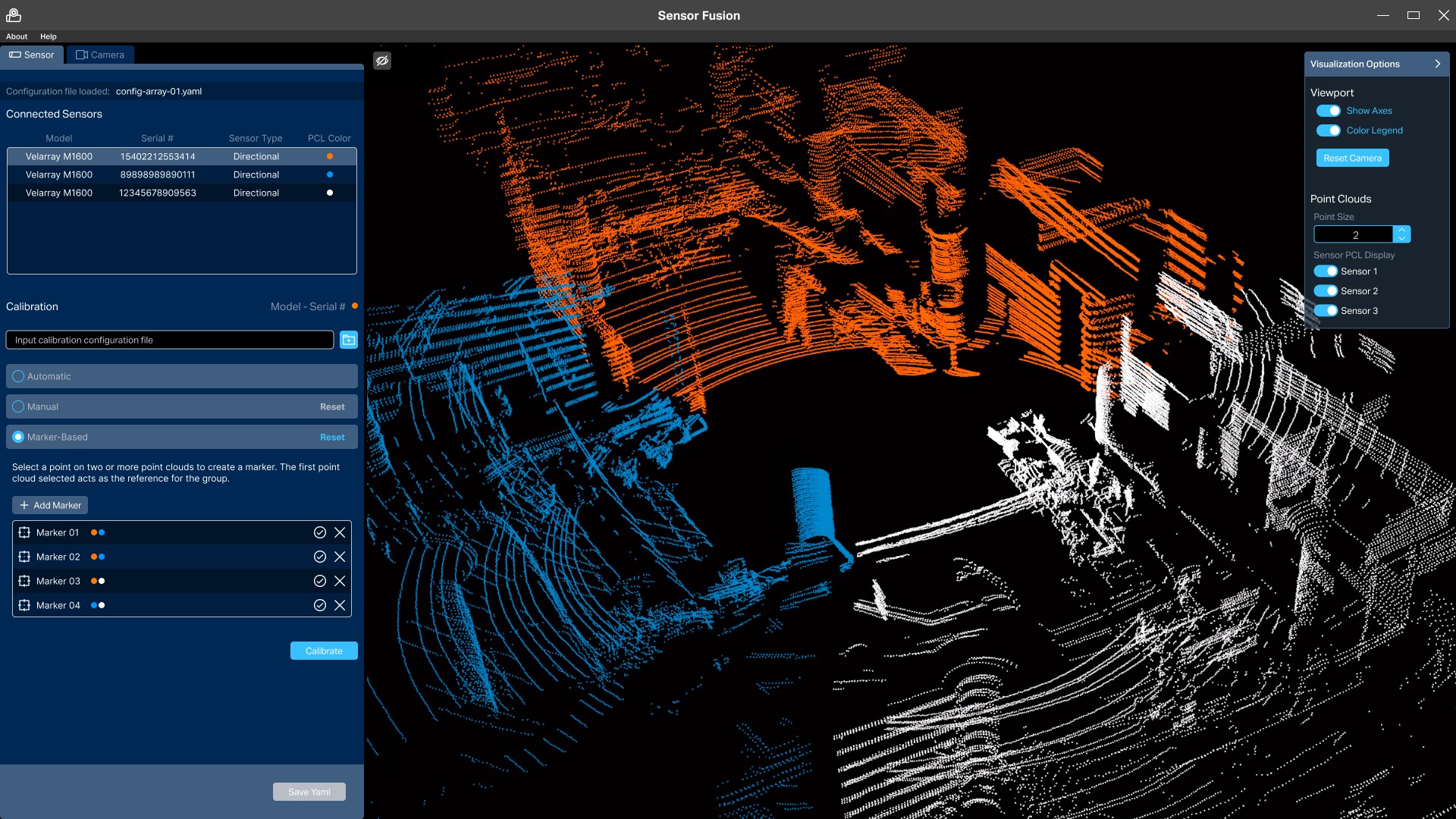
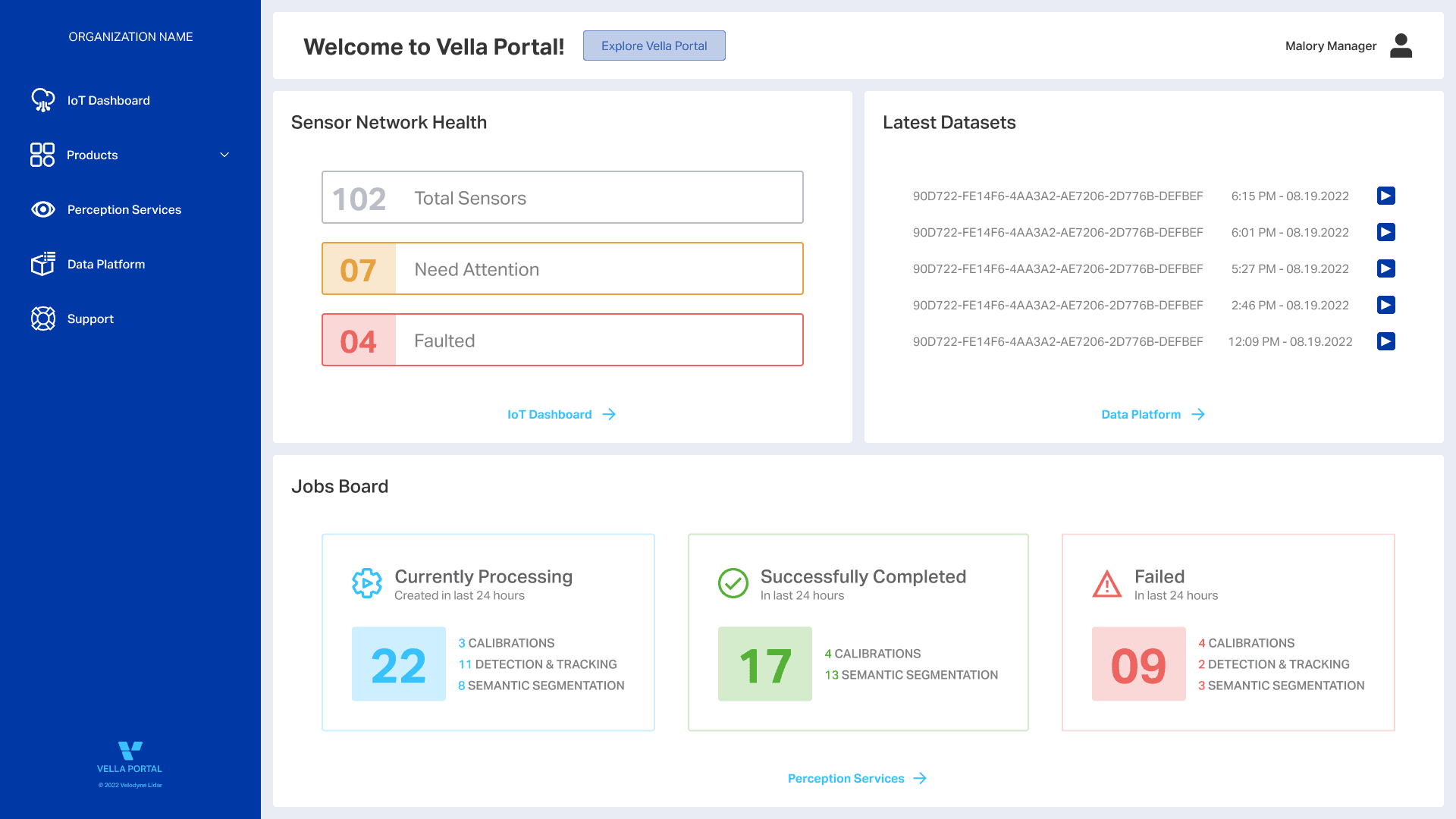
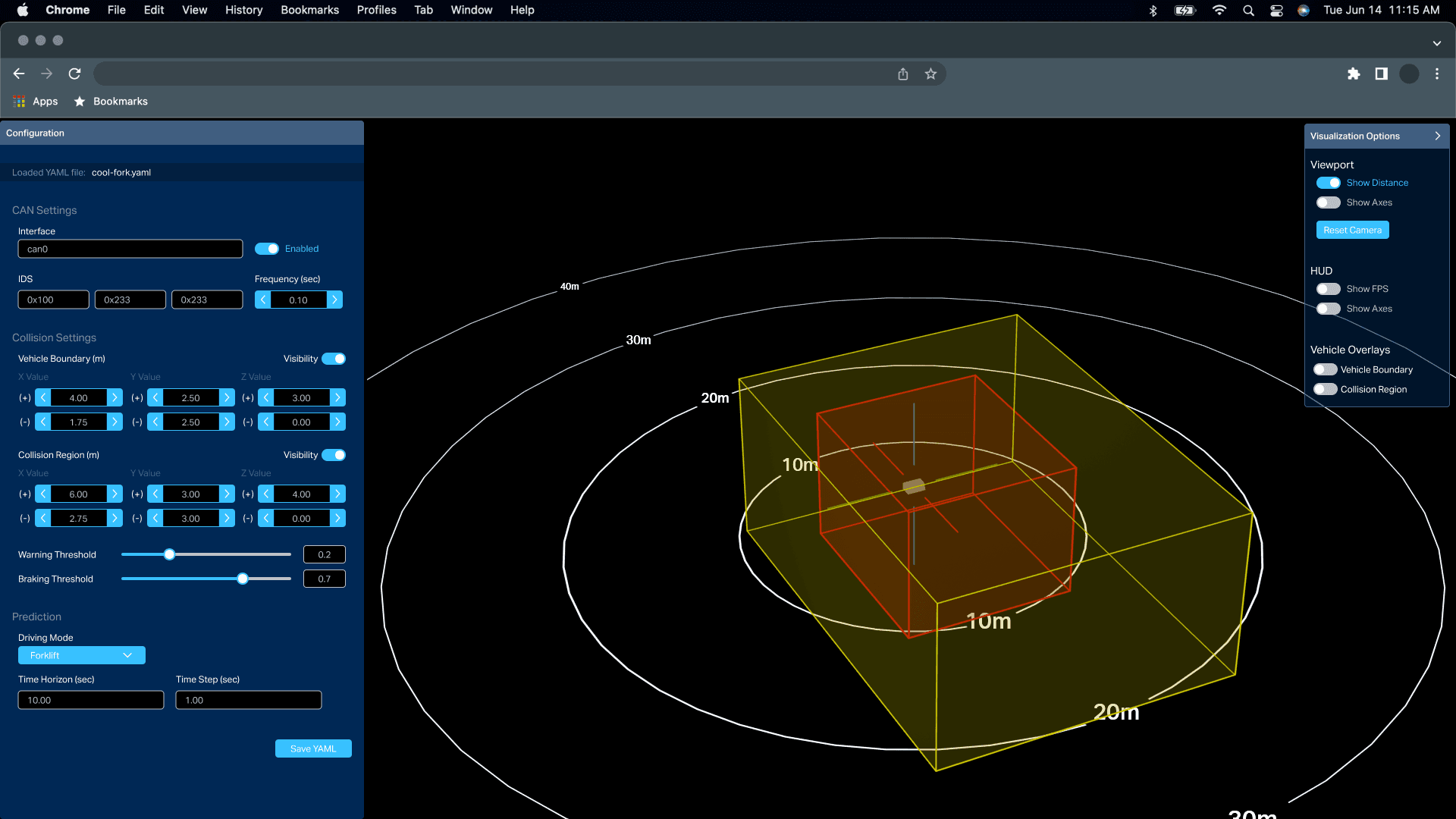
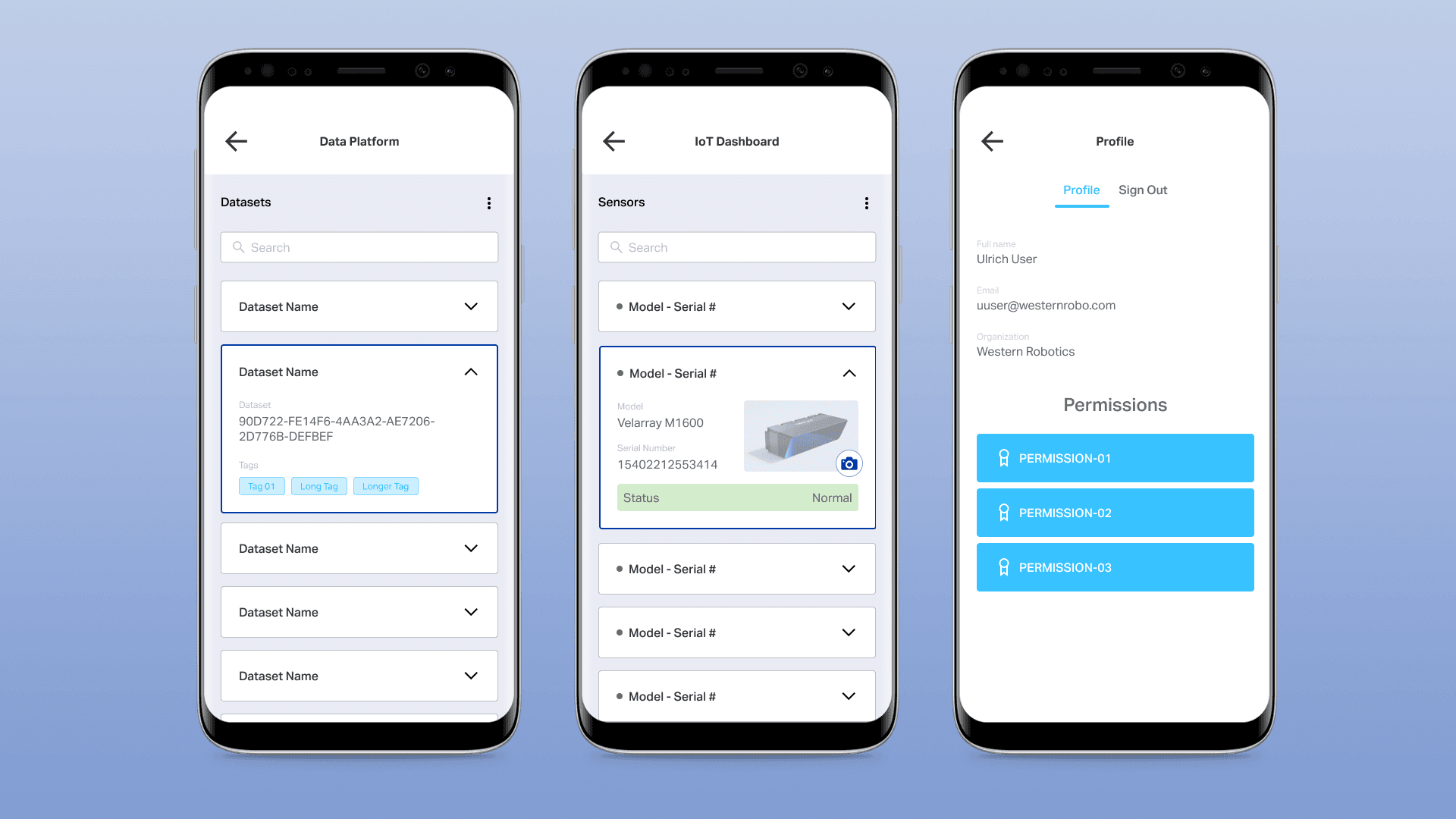
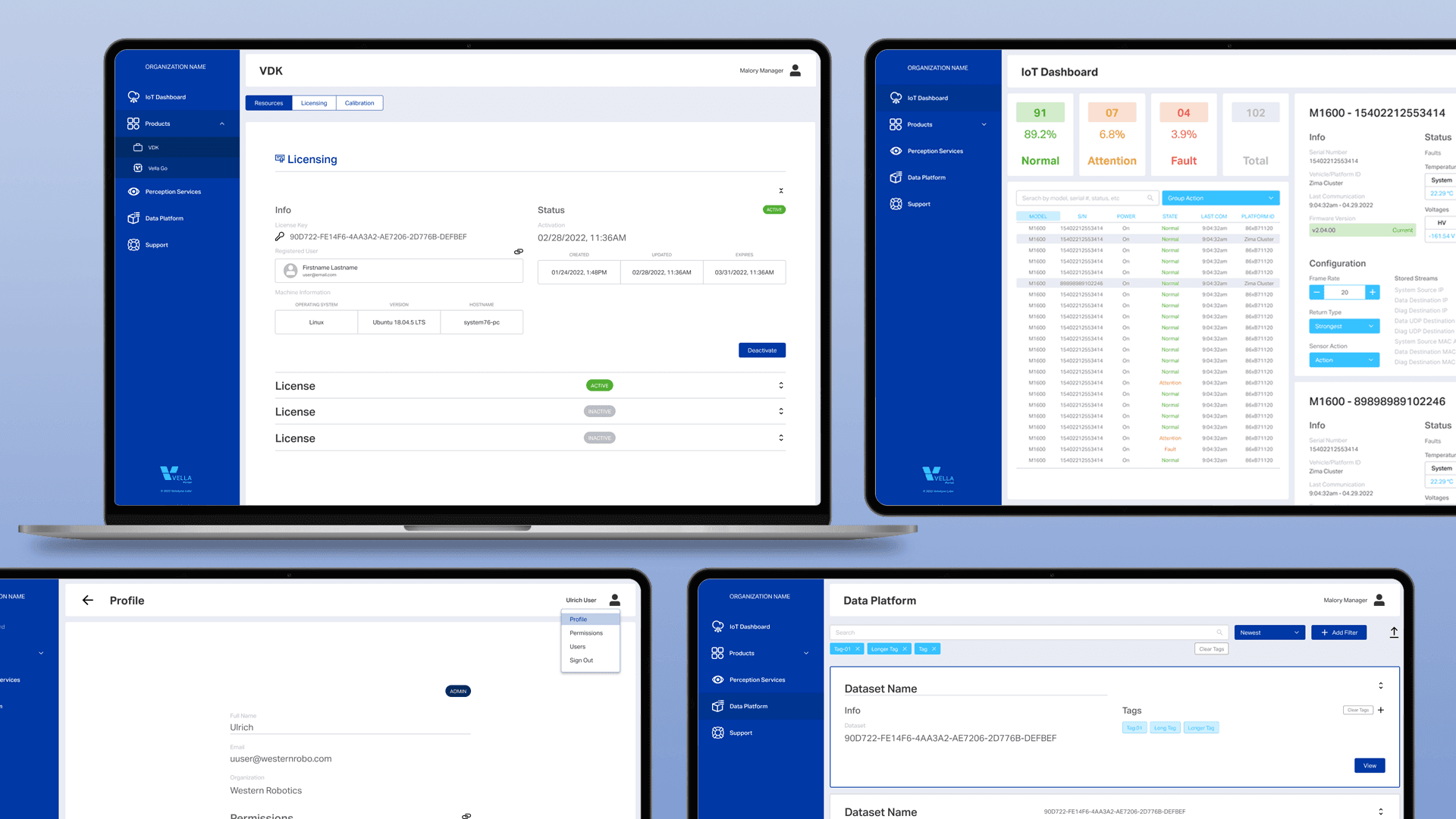
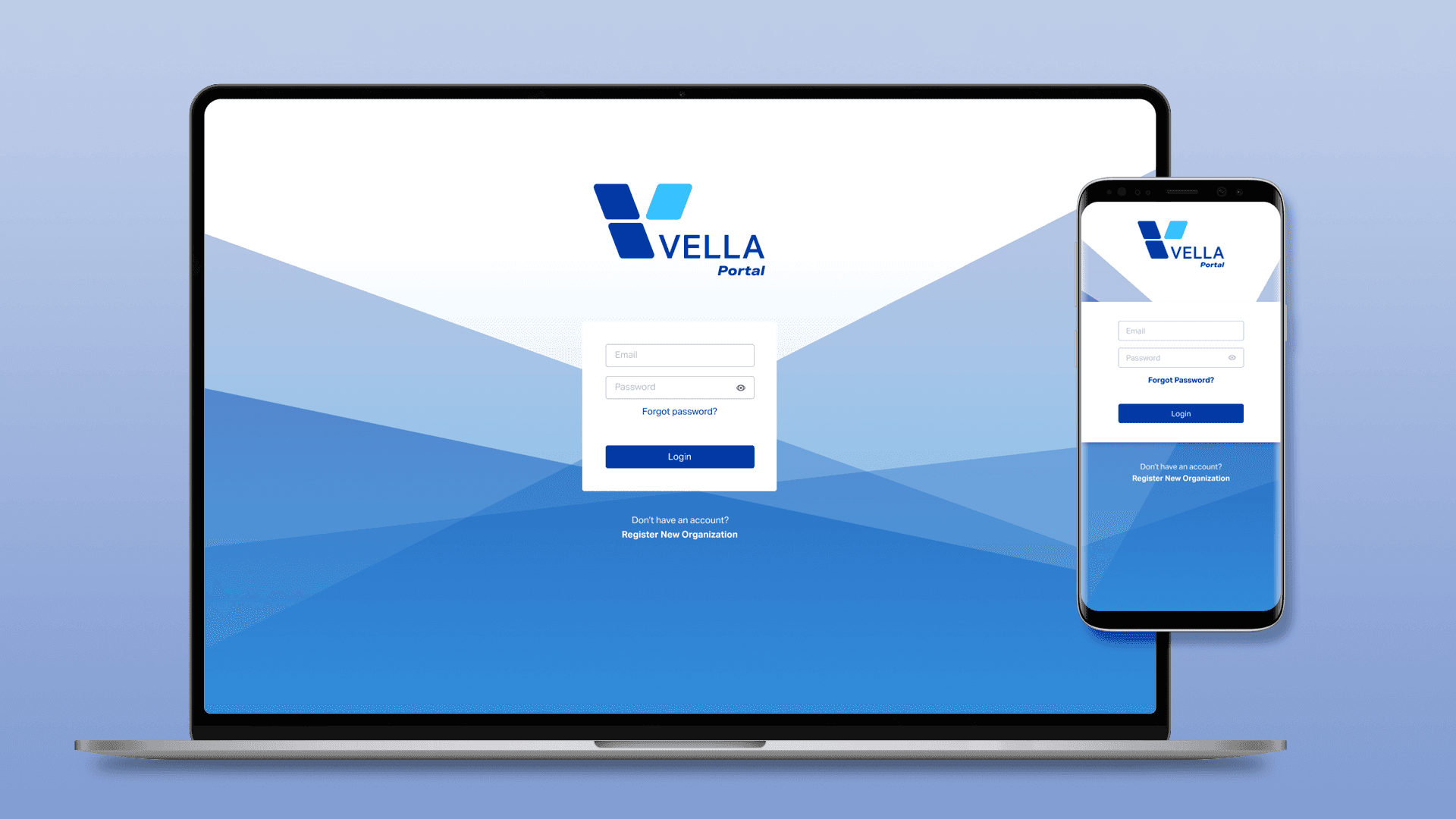
Beam handled the full spectrum of Velodyne's UI needs, from dense desktop configuration workflows to streamlined mobile interactions.
Outcomes
By time of departure, Beam had been adopted across 80% of Velodyne's software products, with applications in active internal testing ahead of public release. Engineering leadership had begun discussions on evolving Beam into a full design system. This served as validation that the library had outgrown its original scope and become genuine organizational infrastructure.